Two species of files
Support tools usually treat every file the same: a dead attachment in a download folder. BootDesk separates them the way your team actually thinks about them.
Attachments are conversation-aware: the contract on the ticket, the screenshot in the chat channel, the voice note in a DM, the brief the assistant is reading. They live with their conversation and carry its context — who sent them, in which thread, about what.
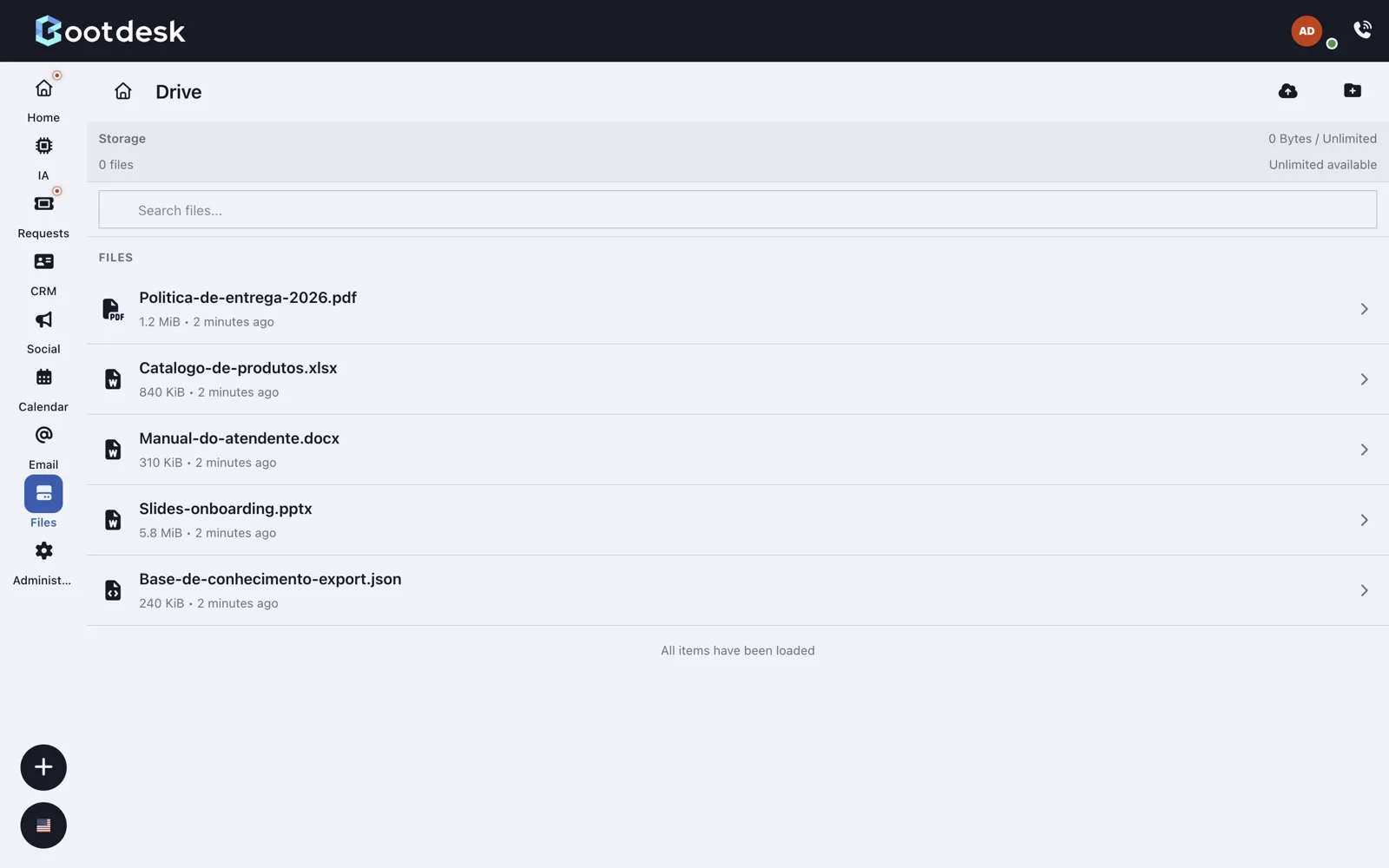
Files are the drive: the team library for manuals, templates, policies, the things that outlive any single conversation. Organized in folders, tagged, findable.
Scanned before anyone asks
Every file — attachment or drive — is verified on arrival, before a human opens it and before the assistant reads it. The chip next to the document tells the story in one word — clean or scanning — and anything suspicious quarantines instead of landing in someone's download folder. Security that doesn't need a memo.
An editor lives here too
Office documents in the drive — text, sheets, slides — open in a WOPI-compatible editor inside the workspace. Edits save back to the same file, in the same place, with no version chaos in anyone's downloads folder and no “final_v3_really”.
BootDesk hosts the editor for you — Collabora on a shared instance, secured by default. And if your organization runs its own WOPI server, point BootDesk at it: bringing your own editor is a setting, not a project.
In the workshop: the assistant inside the editor. On Collabora-based editors, the agent sits next to the document — helping draft, summarize, and restructure a spreadsheet or a presentation while you work on it. Shipping soon; we mention it because it's the natural end of the road.
The drive talks to the outside world
A library you can't reach from where you work is just another silo. The drive speaks WebDAV — mount it as a folder in your operating system's file manager and the files are just there, in the tool you already use.
And when someone outside the team needs a document — a customer, a partner, an accountant — share it with a public link. Files or whole folders, no account required on their side, revocable on yours.